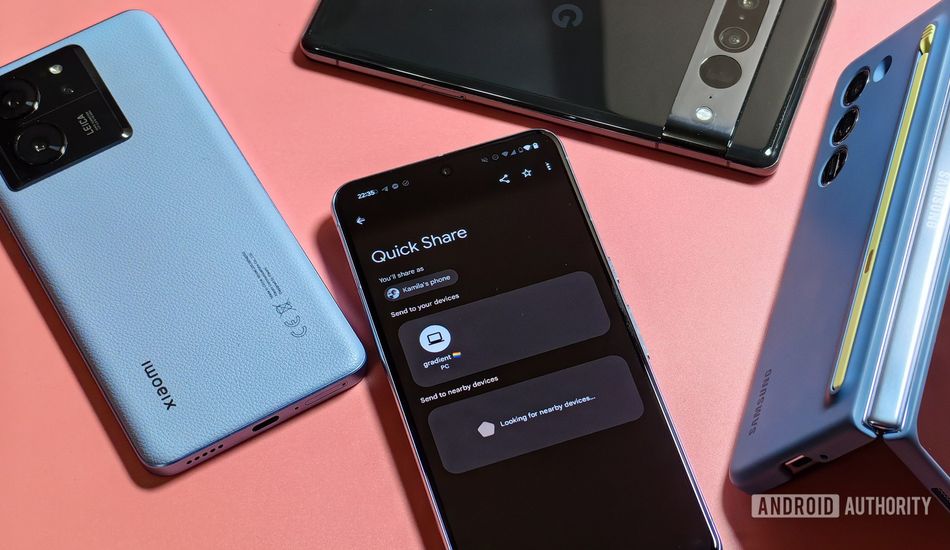
Google's Quick Share Overhaul: A Simpler Way to Transfer Files
Google's making it simpler than ever to share files between your devices with a revamped Quick Share. I've been following this closely, and it seems Google's rolling out a redesigned interface that I think most of us will find much more user-friendly.
Remember when sharing files between devices felt like a chore? Those days may soon be behind us. Google's Quick Share has been a handy tool, allowing you to seamlessly move files between Android, Windows, and even Chromebooks. The exciting part? Google plans to extend this functionality to iOS and macOS devices. I've seen some third-party apps that try to bridge this gap, but native support would be a game-changer.
The new Quick Share update boasts dedicated "Send" and "Receive" modes. This makes the entire process more intuitive, I think. Instead of fumbling through settings, you can quickly choose whether you're sending or receiving files. It seems like a small change, but it can significantly improve the user experience. Also, they added a file picker on the send screen, so you can select different file types directly.
From what I'm gathering, the update may be a slow rollout, or perhaps another limited test. I'm eager to get my hands on it and see how it improves my daily workflow. I find myself constantly sharing documents and images between my phone, tablet, and laptop, so any improvement in this area is a welcome change.
The "Receive" page is also getting a makeover. It will show your device's name prominently, and allow you to make your profile picture visible to your contacts. I think that it is great to see that requests from people sending you files are shown on this page.
While it's not on all devices yet, the redesigned Quick Share interface is on its way. Samsung has already introduced the refreshed interface to devices running One UI 8 beta.
Source: AndroidAuthority