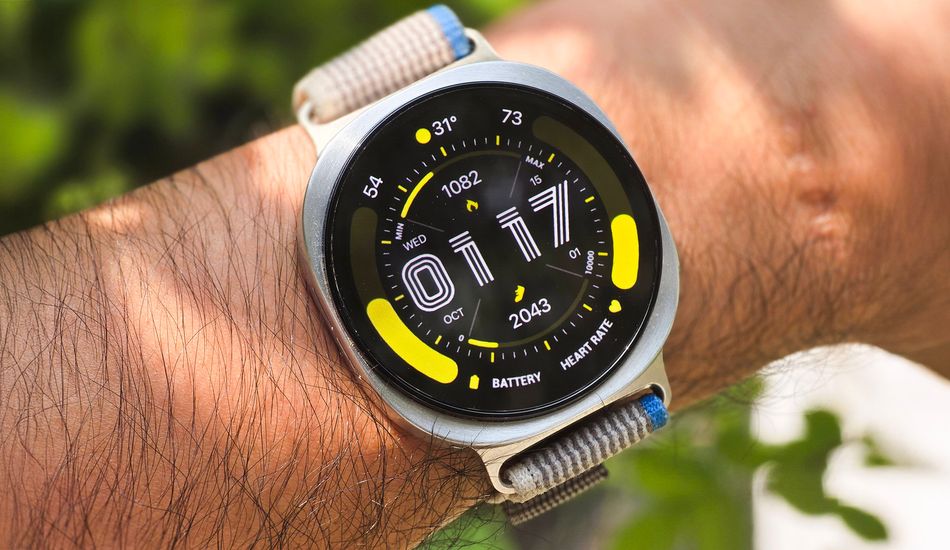
Wear OS 6 Bug: Third-Party Watch Faces Displaying Incorrectly on Pixel and Galaxy Watch
I've noticed something pretty annoying happening with some smartwatches lately. It seems like the latest Wear OS updates – specifically versions 6 and 6.1 – are causing problems with how third-party watch faces are displayed on both Pixel Watches and Galaxy Watches.
Basically, what's happening is that elements from the always-on display (AOD) version of the watch face are sticking around even after you wake up the watch. It's like a faint, semi-transparent ghost of the AOD layout is overlaid on top of the regular watch face, which can make it harder to read the time or see other important information. Imagine trying to read a book with a blurry image superimposed on every page – super frustrating, right?
From what I've gathered, this issue doesn't pop up immediately after you install a new watch face. It seems to develop over time, after the watch face has been in use for a while. Then, all of a sudden, you start seeing those annoying AOD elements lingering on the screen. So, if you're seeing weird visual glitches on your watch face, it's not just you.
Interestingly, this problem only affects watch faces that you've downloaded or installed yourself. The watch faces that come pre-installed on your Pixel Watch or Galaxy Watch seem to be immune. This suggests that the issue is related to how Wear OS 6 handles the transition between the AOD and the full watch face for third-party designs.
So, what can you do if you're experiencing this problem? Well, switching to a different third-party watch face might temporarily clear things up. However, it sounds like a permanent fix will require Google to tweak something in Wear OS itself. Until then, your best bet might be to stick with the pre-installed watch faces. It's not ideal, I know, but at least you'll be able to tell the time without having to squint through a blurry mess.
Both Google and Samsung are aware of this glitch, so hopefully, they'll roll out a fix in a future update. A case about the bug has been open since October, which indicates that they are looking into it. In the meantime, it's good to know that you're not alone if you're seeing this issue and there are some temporary workarounds you can try.
Source: AndroidAuthority