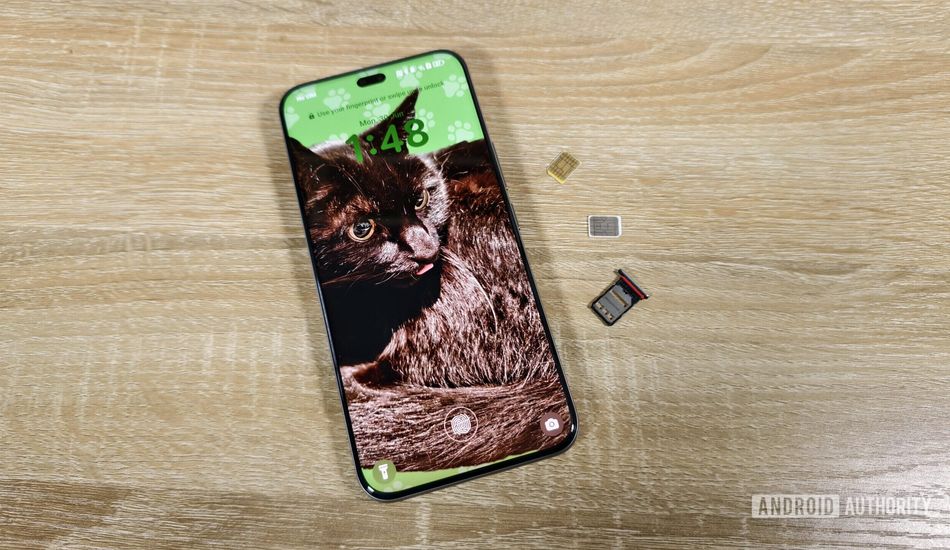
Android 17 Simplifies SIM PINs for Enhanced Security
As someone who's always trying to stay one step ahead when it comes to mobile security, I find this new development in Android 17 pretty interesting. We all know the drill: lock screen PINs, passwords – the usual suspects. But a SIM PIN? That's a layer of protection that often gets overlooked, yet it can be a game-changer.
Now, if you're scratching your head wondering what a SIM PIN even is, don't worry; you're not alone. Basically, it's like a bodyguard for your cellular account. Think of it as a second PIN that protects your SIM card. When you turn on your phone, it won't let you make calls, send texts, or use data until you punch in that SIM PIN. In a world where our phones are basically digital keys to our lives, having this extra layer can save you from a lot of potential headaches.
Imagine this: someone swipes your phone. With a SIM PIN in place, even if they bypass your lock screen, they can't just pop your SIM into another phone and start intercepting 2FA codes. That's a big deal, especially since so many services rely on text messages for authentication.
So, if it's so great, why aren't more people using SIM PINs? Well, let's be honest: it's kind of a pain. Entering one PIN to unlock your phone is already a routine, but adding another one every time you restart? It can feel like overkill, especially if you think the chances of someone targeting you are slim. It's that extra step that makes us think twice.
Google seems to understand this pain point, and that's where this new automatic SIM lock protection in Android 17 comes in. The idea is simple: instead of manually entering your SIM PIN every time, you program it into Android, and the system takes care of unlocking the SIM after a reboot. It's like having a secret agent working behind the scenes.
This approach makes a lot of sense from a security standpoint. Without your lock screen PIN, nobody can access your phone and tell Android to use the saved SIM PIN. And if they try to use your SIM in another phone, they're out of luck because that phone doesn't know the SIM PIN saved on your original device. It's a win-win.
Of course, there's a catch: you'll need to keep that Android-managed PIN somewhere safe. If your phone ever dies and you need to use your SIM in another device, you'll need it. Think of it like keeping a spare key to your house, but for your digital life. I believe that security and convenience don't always go hand-in-hand, but it seems Google is really trying to bridge the gap here, and I'm all for it.
Source: AndroidAuthority