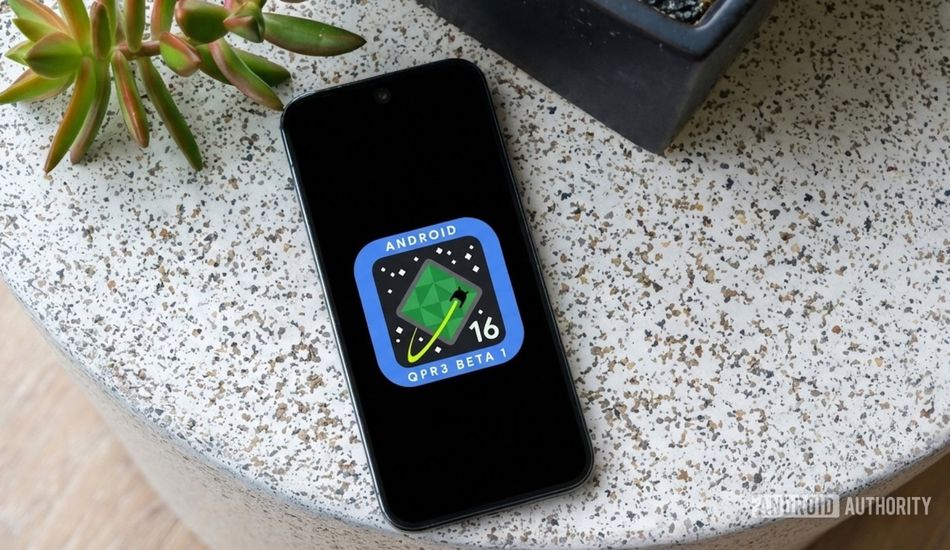
Android 16 QPR3 Beta: A Quick Guide to Downloading on Your Pixel
Google's been on a roll lately, and I'm not just talking about their search algorithms. The latest Android 16 updates, particularly the Quarterly Platform Releases (QPRs), have been pretty impressive. Think of it like this: QPR1 gave our Pixel phones a sleek Material 3 Design makeover, while QPR2, which came out this month, threw in extra customization options and a better dark mode.
Now, we're getting a sneak peek at what's coming next with the release of Android 16 QPR3 Beta 1. Google dropped this beta earlier in the week, giving us a chance to play with the features they're cooking up for the third and final QPR update for Android 16. And honestly, there are already some interesting things to explore.
So, if you're the adventurous type and want to get your hands dirty, here's how you can download the Android 16 QPR3 Beta 1 on your Pixel device right now. First things first, you gotta make sure your Pixel is actually supported. The good news is, if you've bought a Pixel in the last few years, you're probably good to go.
Here’s a list of eligible Pixels: Pixel 6, Pixel 6 Pro, Pixel 6a, Pixel 7, Pixel 7 Pro, Pixel 7a, Pixel 8, Pixel 8 Pro, Pixel Fold, Pixel Tablet.
Got one of those? Awesome! Next, head over to Google's Android Beta website and enroll your Pixel in the beta program. Once you've done that, your Pixel is officially signed up for the Android 16 QPR3 Beta. The next step is to actually download the beta software to your device. After enrolling, simply go to Settings -> System -> System update to check for the update.
Now, if the Android 16 QPR3 Beta 1 doesn't show up right away, don't panic. Sometimes it takes a bit for Google to register your enrollment and push the update to your device. If you don’t see it immediately, check back in an hour or two.
While you're waiting, you can read about all the new Android 16 QPR3 Beta 1 features to see what's new. That way, you’ll have a good idea about what to expect when the software update arrives.
Source: AndroidAuthority