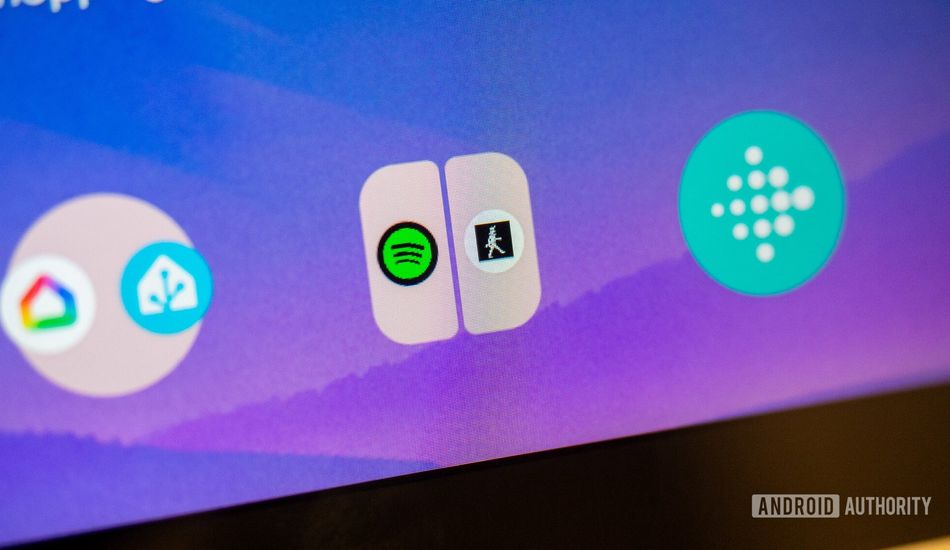
Android 16 Made Me Fall Back in Love With Split-Screen and App Pairs
I've always been skeptical about split-screen multitasking on phones. Honestly, it felt like a gimmick, especially on smaller screens. I mean, who wants to squint at two tiny app windows when you can just switch between full-screen apps? With Android 15 introducing app pairs – the ability to save two apps together as one icon and launch them simultaneously in split-screen – I was intrigued, but unconvinced that it would be very helpful to me.
Initially, I thought I’d use this feature all the time. However, I quickly realized the real issue was with the multi-window mode itself. It displayed such tiny portions of each app that using them became cumbersome. I almost forgot about app pairs. That is, until Android 16 came along with its amazing improvements to multi-window and split-screen multitasking.
Even though split-screen and multi-window have been available on Android phones for almost a decade, the feature never felt particularly useful, especially given how small phone displays are. It essentially divides the screen in half or in a two-thirds/one-third configuration. This means at least one of the apps gets completely hidden each time I need to use the keyboard. Whether it was a 50/50 or 70/30 split, it always felt like I was using a compressed, watered-down version of my apps.
Android 16 Changes the Game
What Google did with Android 16 is revolutionary. They introduced a modified split-screen 90:10 mode which essentially maximizes one app while minimizing the other. The beauty of it is how smoothly it works. Tapping the minimized app instantly maximizes it while minimizing the previously maximized app. For instance, if I’ve got Spotify running minimized on top and Slack taking up most of the screen below, I can maximize Spotify with a single tap. This is an immediate game changer!
Finally, on my relatively small 6-inch phone display, being able to see more of each app and quickly switch between them makes split-screen a genuinely usable feature. I can now use two apps simultaneously without compromising practicality or screen real estate. Moreover, saving the app pair as a single icon to launch them instantly in the exact configuration I want eliminates the unnecessary guesswork and tapping around.
I've been testing app pairs on my Pixel Tablet for months. I use it to launch Spotify and the app for my walking treadmill to monitor stats. It's like a personal walking dashboard. And on my phone, I love having Chrome paired with Spotify. By minimizing Spotify, I can still see the "now playing" bar while I browse the web. I've also gotten used to using Slack and Asana together for work. While app pairs might not suit everyone, they can be an incredible productivity booster if you find the right use for them.
Source: AndroidAuthority